Installation Instructions
ABBY requires a 110v electrical outlet and an internet connection. Please note that ABBY will function without being connected to the Internet just as fine, but for the purpose of maintenance and support Internet connection is recommended. Providing power and internet cabling into ABBY can happen in a variety of ways, depending largely what the facility can provide.
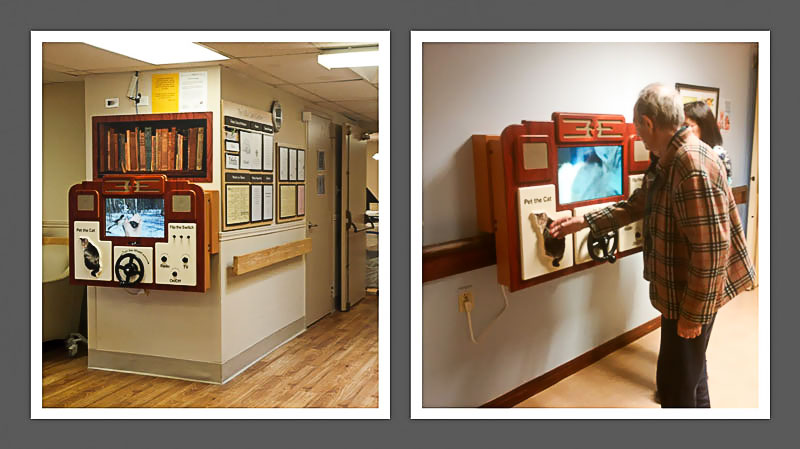
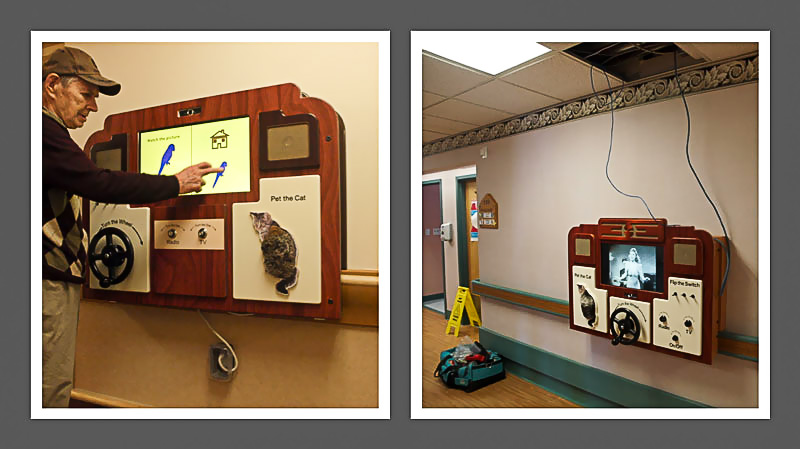
In some situations, ABBY is plugged into power and internet connections provided from above the ABBY unit, either on the wall, or into the ceiling. In other situations, ABBY is plugged into power and internet from outlets on the wall below ABBY. In some situations, it is both. Wherever these outlets are to be positioned, they not to be covered by ABBY, and should be accessible to service staff.
ABBY also comes with an OFF/ON switch for times when it is necessary to turn the unit off. If it can be arranged, it would be useful to plug ABBY into an electrical outlet that is energized (turned off and on) by a wall switch close by the unit.
Examples
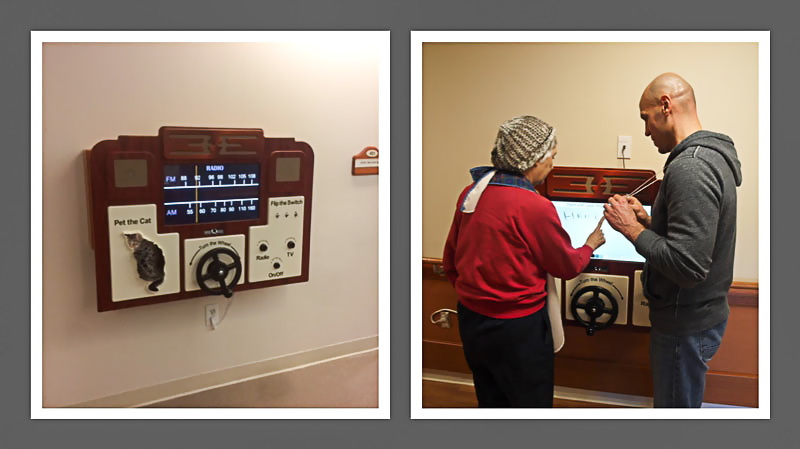
The next three images show ABBY in six different install situations.
You will note that in some situations, ABBY is plugged into power and internet connections provided from above the ABBY unit, either on the wall, or into the ceiling. In other situations, ABBY is plugged into power and internet from outlets below ABBY.
In one example, it is both.
Installation procedure
The whole installation process is done in two simple steps, explained below.
1. Install the Offset Wall-mount Frame
An offset wall-mount frame is supplied with each ABBY system. The wall mount frame is affixed first to the wall, with robust wall-mount hardware supplied.
The purpose of the wall-mount frame is to allow ABBY to be mounted proud of hand-rails.
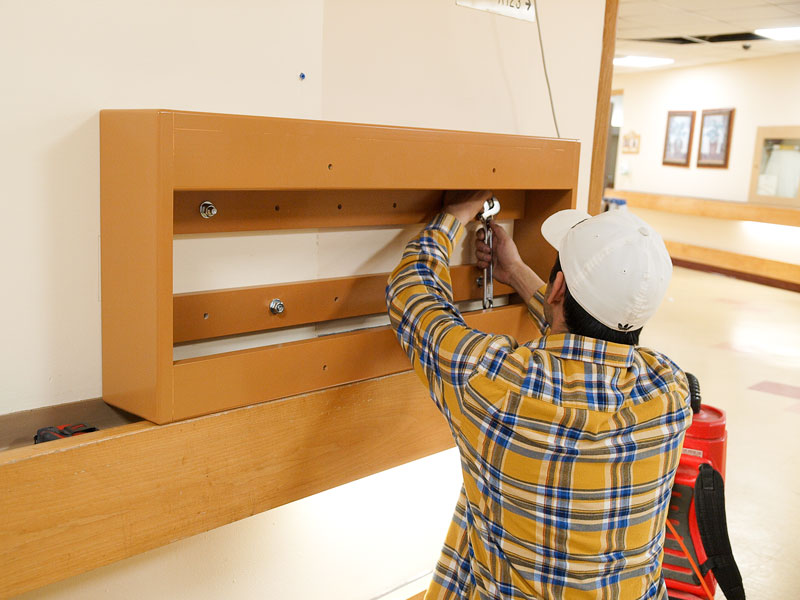
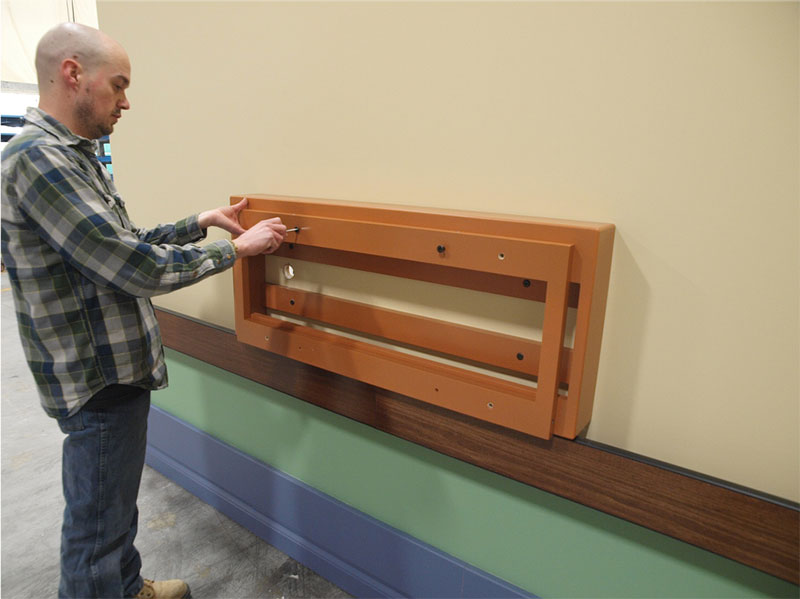
If the ABBY mounting frame is not already attached to the offset wall-mount frame, please do so before attaching ABBY.
See the picture below for a visual of how everything should look like before ABBY gets attached.
2. Mount ABBY to the Offset Wall-mount Frame
ABBY is then mounted onto, and fastened to the offset wall mount housing, proud of the chair rail. We recommend that the bottom of the ABBY front plate is placed roughly 70cm from the floor, in order to best accommodate wheel-chair and ambulatory residents.
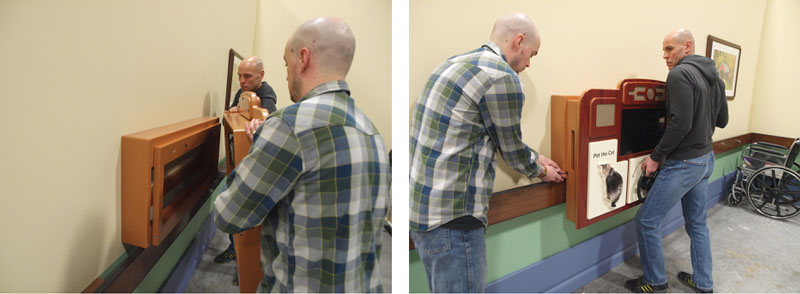
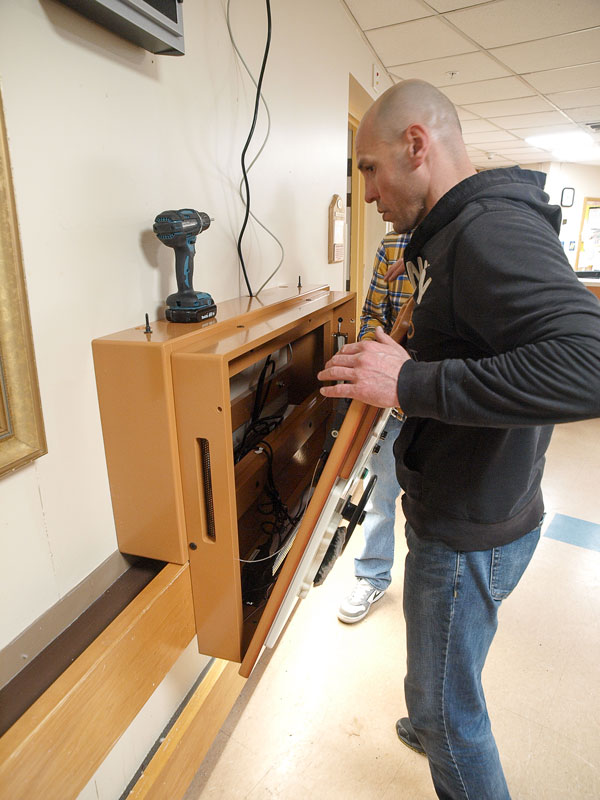
Ones ABBY is attached to the offset frame, please open the ABBY front panel (as shown in the picture below) to connect the Networking and Power cables, if needed. After everything is connected, please close the front panel and make sure all the bolts are well tighten up. The last thing to do is plug ABBY to the power outlet (if not already plugged) and begin using it.